Ultreya Tours provides a custom Google map for your confirmed journey. It places your accommodations and useful locations beside the Camino route, making it especially helpful when you enter a town and need to find the exact hotel street or a confirmed meeting point.
You need the Google Maps app installed on your phone. Install it from the Apple App Store or Google Play before leaving home, then sign in with the Google account you intend to use during the journey.
How to open and save your custom map
- Install Google Maps and sign in. Open the app once and confirm that you are using the correct Google account. If you use several accounts, remember which one is active.
- Open the custom-map link supplied by Ultreya Tours on the same phone. Tap the link in your journey information or message. If the phone asks which application to use, choose Google Maps. On some phones the map first opens in a web browser; select Open in Google Maps or View in Google Maps.
- Allow the map to load fully. You should see the Camino line and the personalized locations prepared for your journey. Open one or two hotel pins to confirm that the map has loaded correctly.
- Return to it inside the app. Open Google Maps and tap You or Saved at the bottom of the screen. Find Maps among the saved items. Depending on the version of the app, it may appear near the bottom of this section. Tap the title of your Ultreya map to open it again.
- Keep the original link accessible. Save the message containing it or add the link to your phone’s notes. If an app update or account change hides the map from the saved section, opening the original link restores direct access.
If you cannot find the map, first check the account photograph or initial in the top-right corner of Google Maps. Switch to the account used when you opened the link, then return to You/Saved → Maps. Most missing-map problems come from opening the link under one Google account and later viewing the app under another.
Download the area for use with weak reception
The custom map and an offline Google Maps area are two related items. Save the custom map using the steps above, then download the surrounding geography so that ordinary roads and town names remain available when mobile reception is weak:
- Open the Google Maps app while connected to Wi-Fi.
- Tap your profile photograph or initial in the top-right corner.
- Select Offline maps.
- Tap Select your own map.
- Move and resize the rectangle to include the relevant Camino stages and towns.
- Tap Download and leave the app open until it finishes.
A long Camino may require more than one offline area. Download the regions before departure and update them when Google Maps requests it. The personalized pins and route layers may still need an internet connection to refresh, so keep the original map link and your printed information available.
How to use the map each day
Open Google Maps → You/Saved → Maps, select your Ultreya map and zoom to that day’s stage. Check the location of the next accommodation before leaving and again as you enter the destination town. A pin shows where the hotel is; your vouchers provide the confirmed property name, address and booking details.
The map is also useful for understanding the relationship between the walking line, a rural accommodation and any confirmed pickup point. Use the exact arrangements in your vouchers when a transfer is included.
Follow the Camino signs while walking
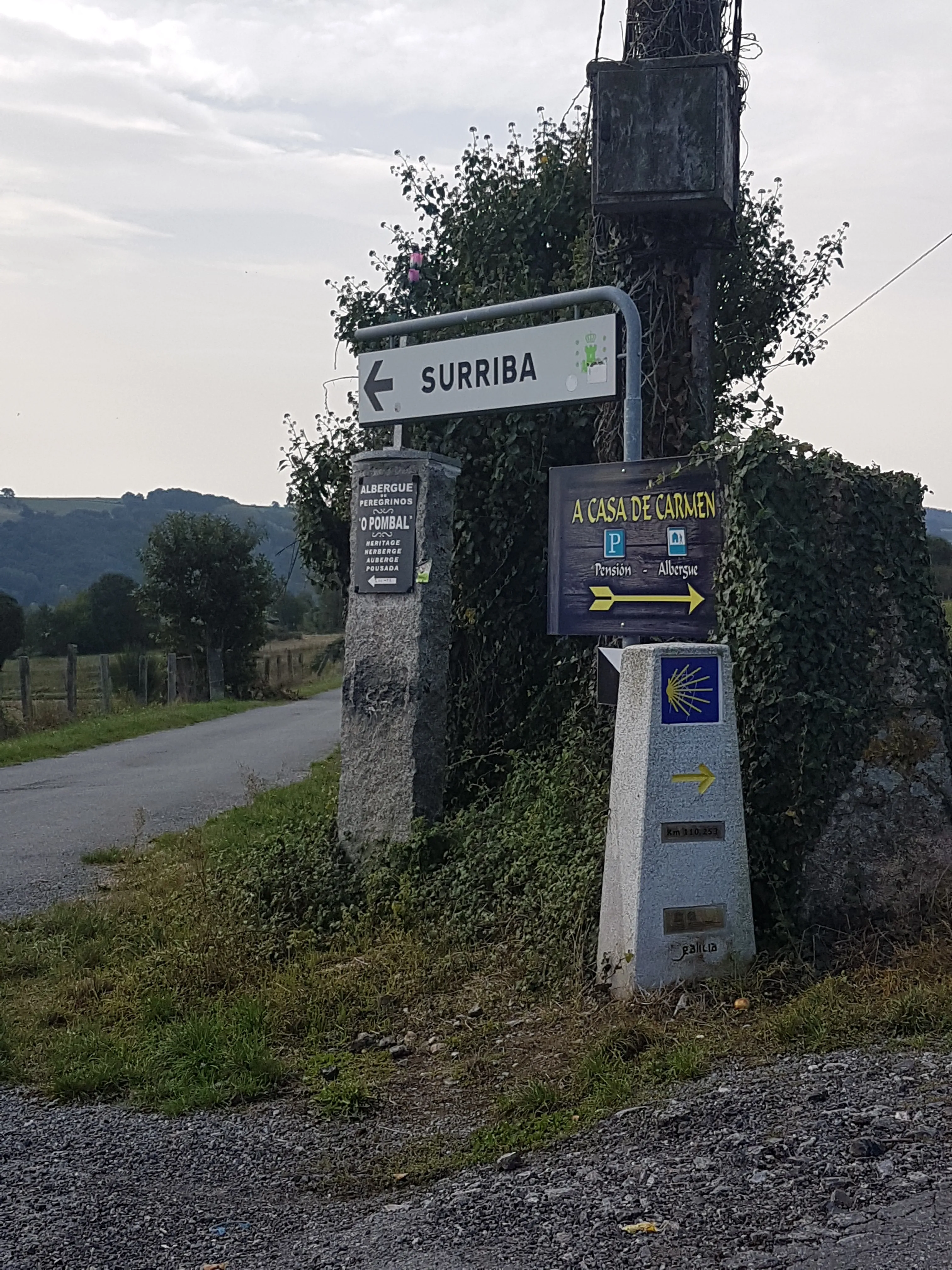
Follow Camino waymarkers as your primary route language. Yellow arrows, scallop-shell signs, stone markers and local directional signs are positioned for people moving through the landscape. Use the map to confirm your location and find the hotel. Avoid shortcuts across private property or unsuitable roads simply because the phone draws a shorter line.
Carry a charged phone and a small power bank, and look up from the screen regularly. Temporary diversions occasionally alter the marked route; follow the signs placed on the ground for that diversion.
Read the guidebook the evening before
The detailed guidebook adds the information a map pin cannot hold comfortably: the character of the next stage, terrain, villages, practical orientation and places worth seeing. A shorter printed version with essential route and hotel details, together with the detailed guidebook, will be waiting in the Pilgrim Kit at your first accommodation.
Each evening, read the following day’s section and open the same stage on the custom map. Identify the first part of the route, the confirmed hotel and any booked meeting point. Your vouchers remain the reference for confirmed services, times and addresses; the guidebook explains what the day will feel like, and the map shows where everything sits.